Bilvo
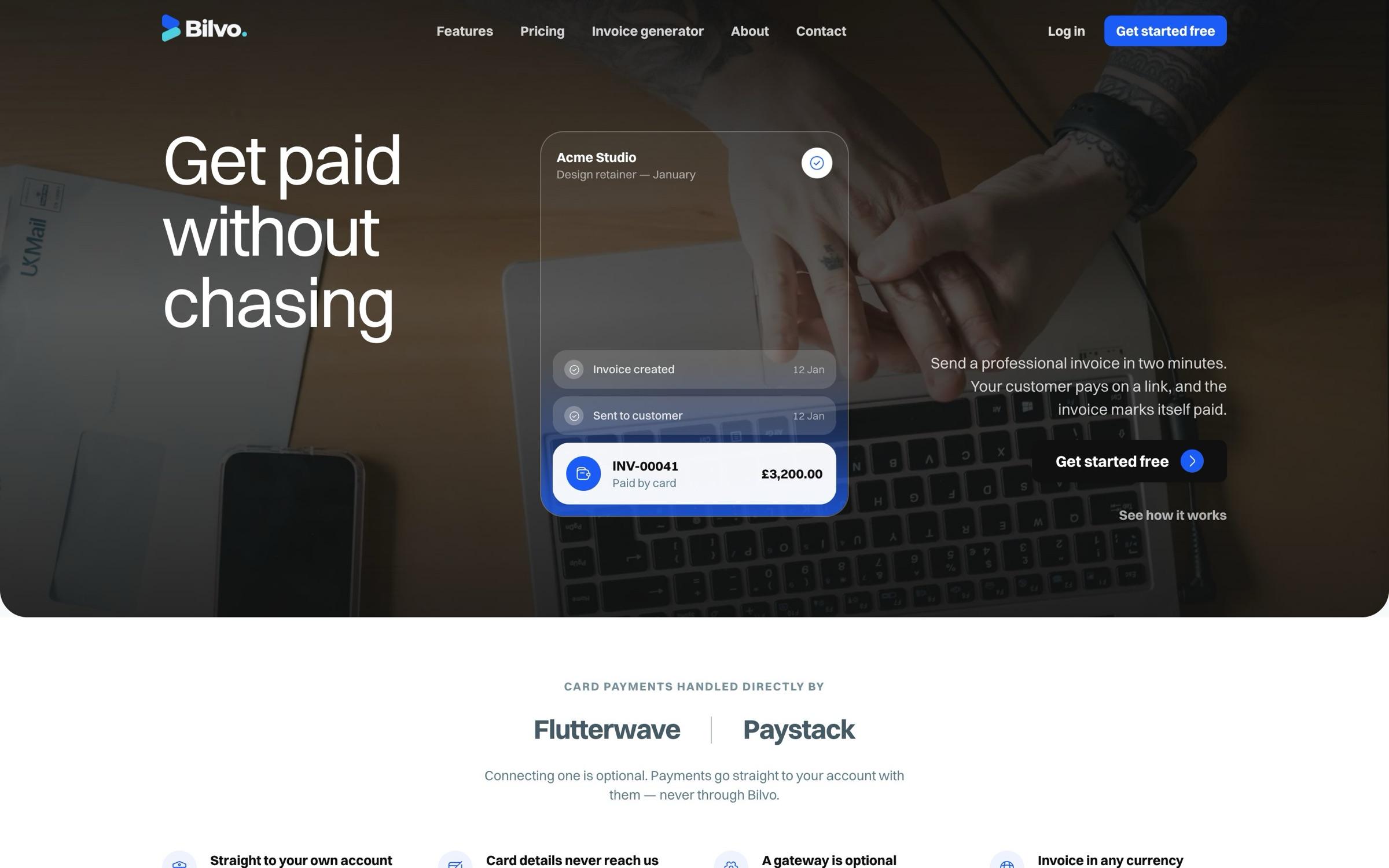
A billing product for freelancers and small teams. Branded invoices in two minutes, payment straight into the business's own Paystack or Flutterwave account, and receipts that send themselves.
- Role
- Product, design, frontend and API
- Year
- 2026
- Built with
- Next.js, TypeScript, Tailwind CSS, TanStack Query, Node.js, Prisma, BullMQ
- Visit
- mybilvo.com
The brief
Freelancers and small teams often invoice from Word, Excel or WhatsApp, chase payment by hand, then match bank alerts against a spreadsheet to work out who has paid.
I wrote the product requirements with two goals for launch: a business should be able to send a professional, branded invoice in under two minutes, and should never have to reconcile a payment by hand.
What I did
- Product requirements, launch scope and success metrics
- Brand, logo and interface design
- Marketing site with features, pricing, about, contact and a free invoice generator
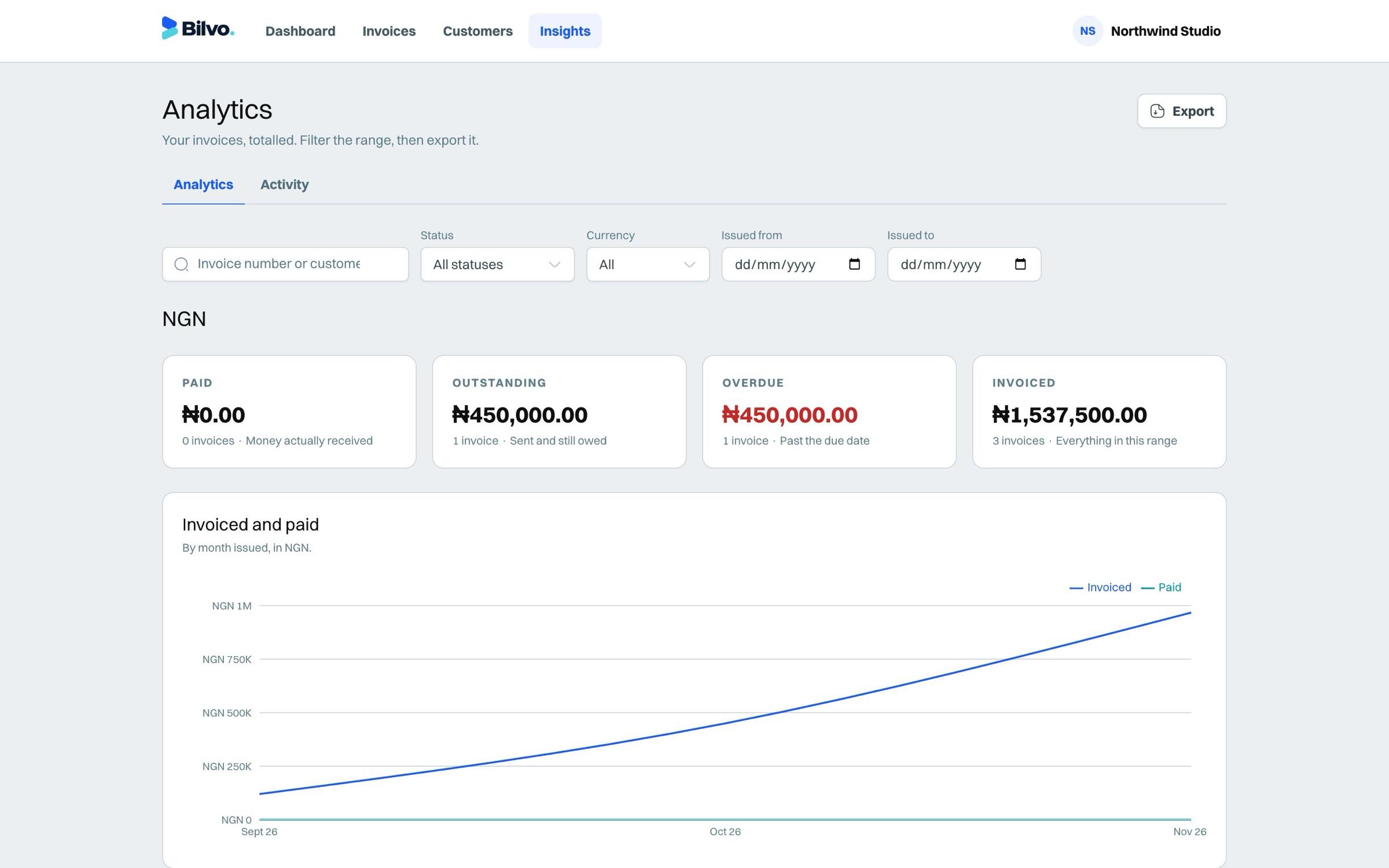
- Web app: dashboard, invoices, customers, insights, payment plans and recurring schedules
- A no-login payment page for every invoice
- API with Paystack and Flutterwave webhooks, reminder scheduling and PDF generation
- A Flutter app for iOS and Android, in progress
Decisions that shaped it
The money never touches Bilvo
Payments go from the customer straight to the business's own Paystack or Flutterwave account, and card details are typed into the gateway's checkout, not ours. That keeps Bilvo out of the flow of funds, so it is the first thing the site says after the hero.

Statuses that update themselves
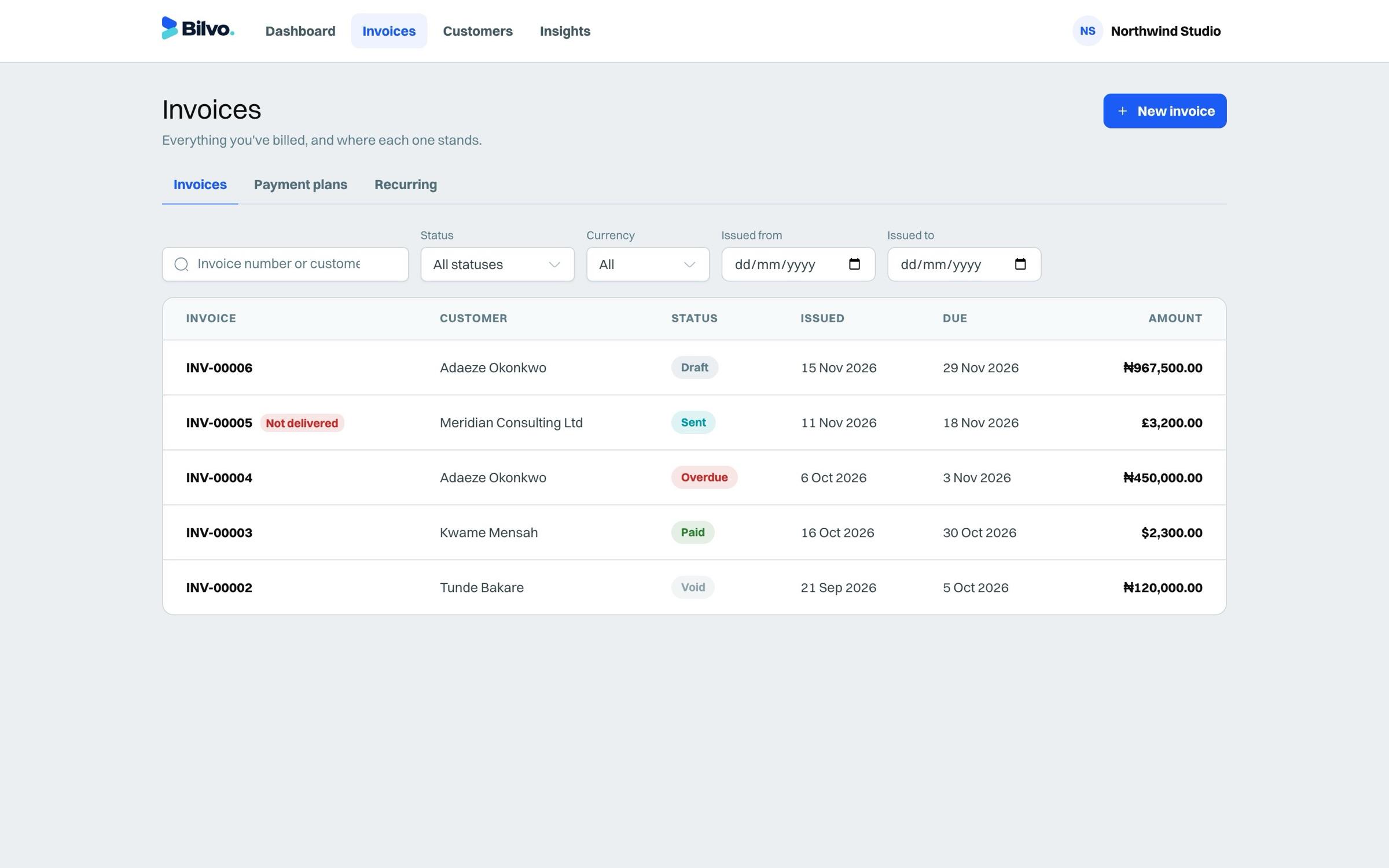
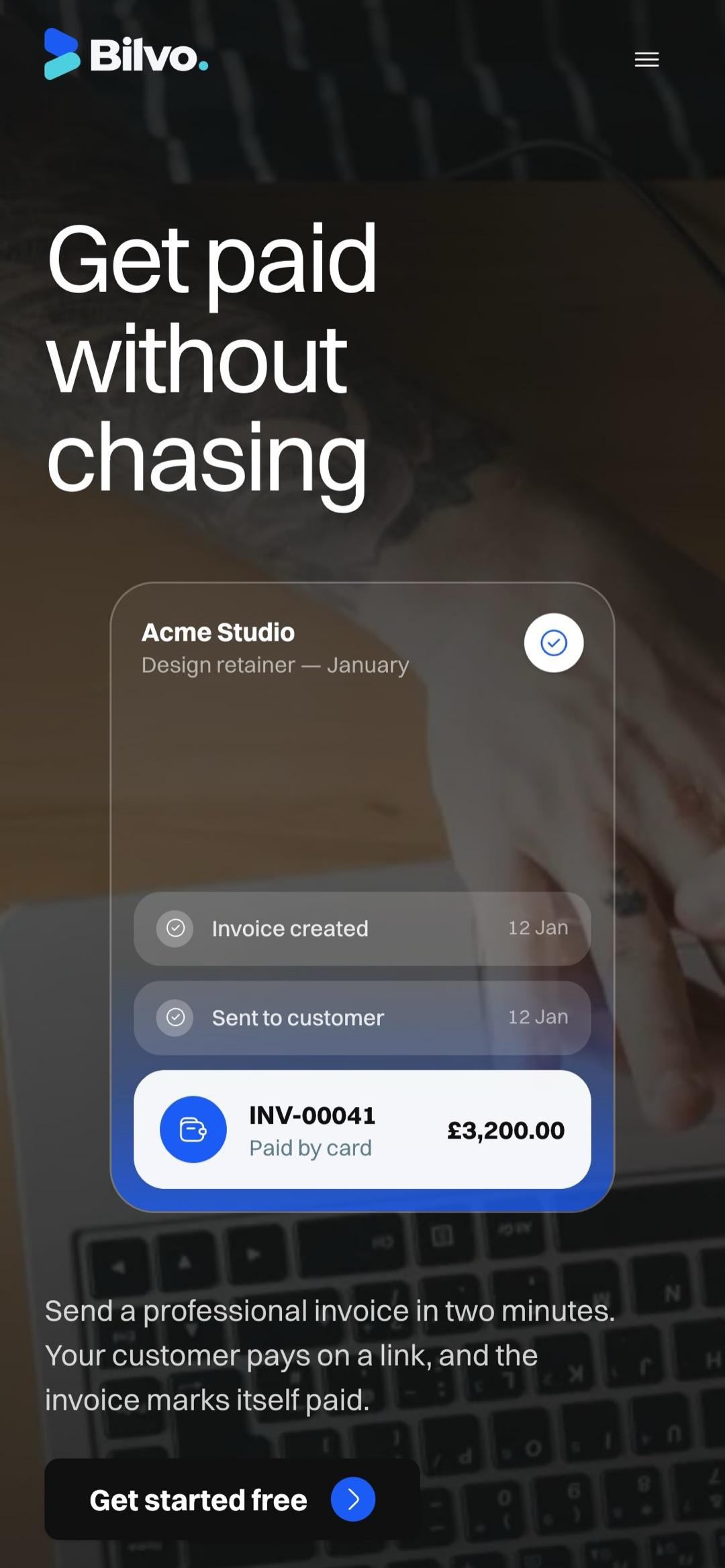
Draft, Sent, Due soon, Overdue, Paid. Each status means one thing and changes on its own: a payment webhook marks the invoice paid and sends the receipt, and a daily job moves invoices to Due soon or Overdue and sends the reminders.
A dashboard sorted by urgency
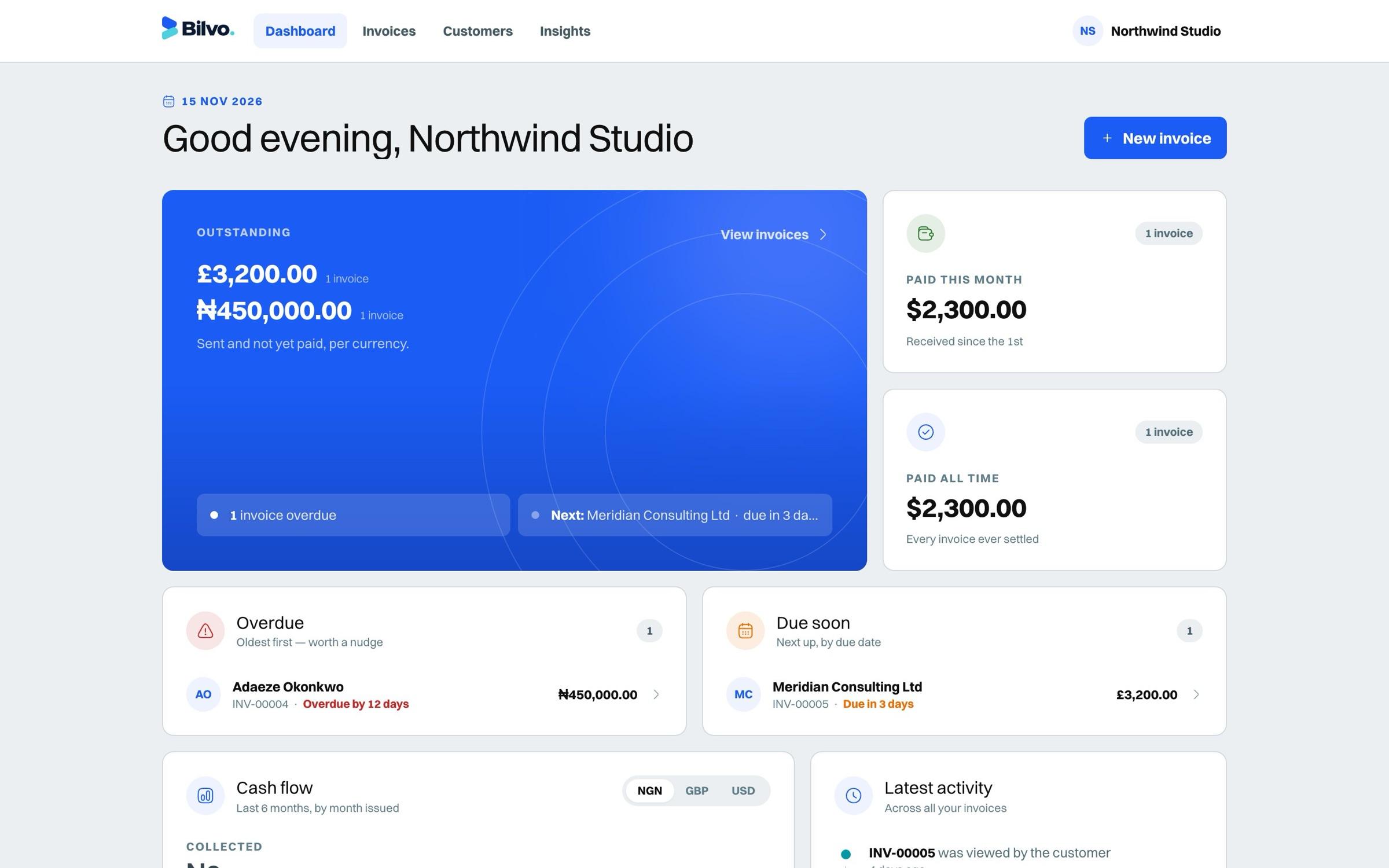
The dashboard opens on what is still owed, per currency, then what is overdue and what is due next, then cash flow. Someone opening it first thing in the morning should know who to follow up with before they scroll.
A free tool as the front door
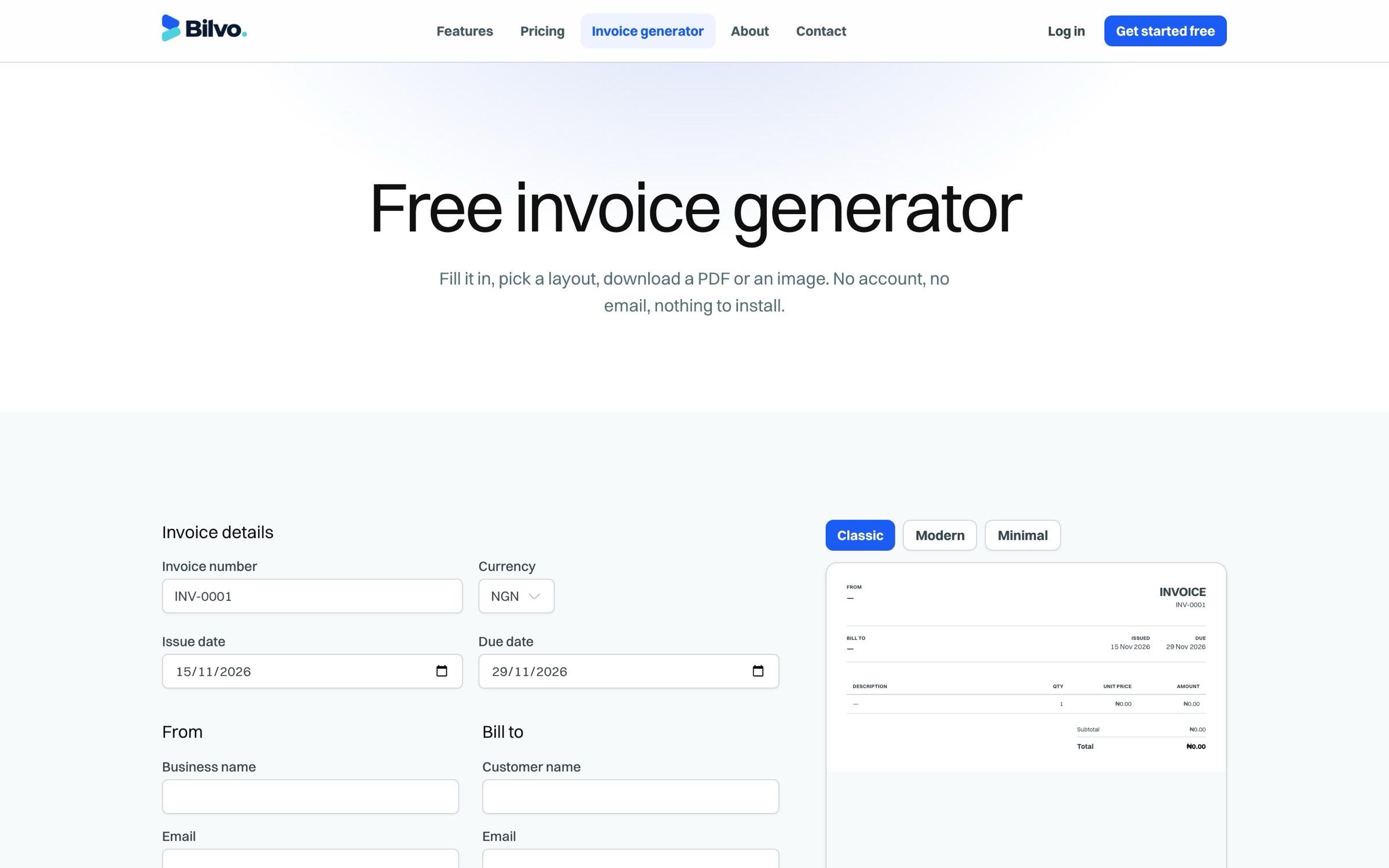
The invoice generator works without an account. It is useful on its own, it gives search a page that answers a common question, and it puts a finished invoice in someone's hands right before asking them to sign up.
More screens
Where it is now
Live in early access at mybilvo.com. The Flutter app is in development.
Visit mybilvo.com